
Workflow Automation / PROJECT DEMONSTRATION
AI Invoice Processing Automation
An invoice workflow connecting Google Drive, AI extraction, Google Sheets, and email confirmation.
THE SYSTEM
What it does.
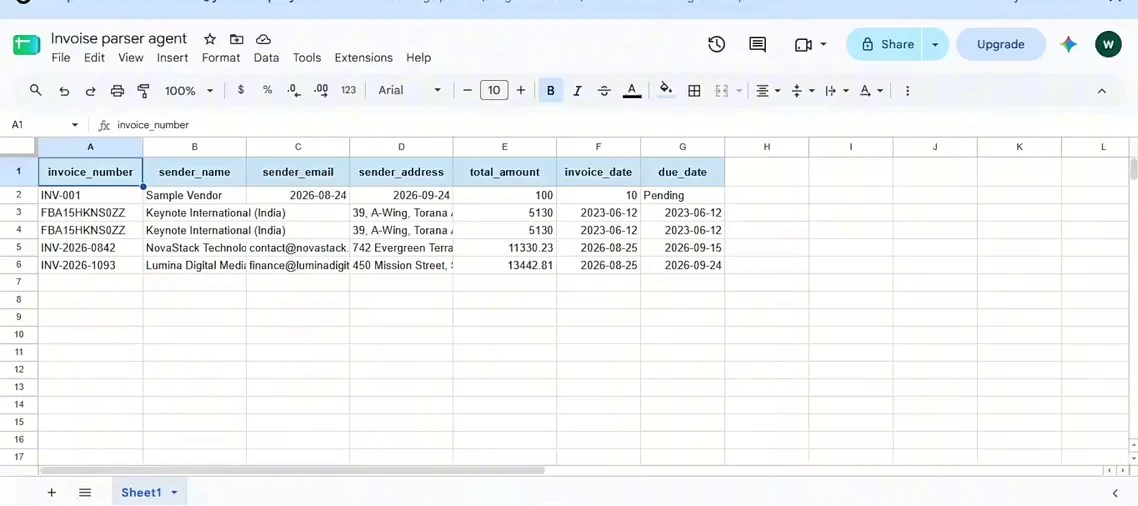
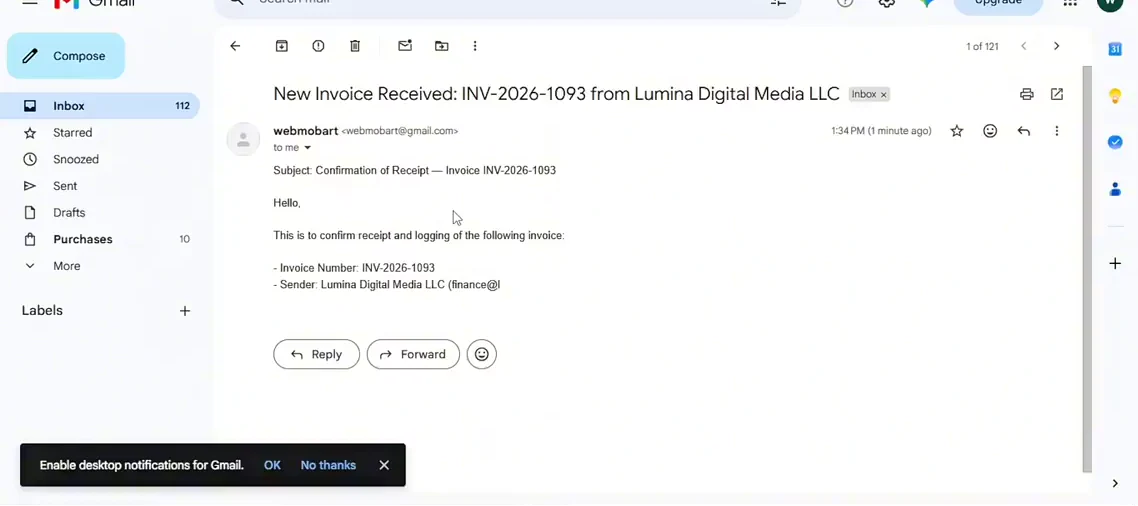
This recorded n8n demonstration follows a PDF invoice from a Google Drive folder through text extraction and structured field processing. The workflow appends an invoice row to Google Sheets and generates a receipt confirmation in Gmail.
- PDF / Google Drive
- AI extraction
- Google Sheets
- Gmail confirmation
An n8n workflow connects file intake, AI-assisted field extraction, spreadsheet logging, and email generation.
The demonstrated workflow
- Watch a Google Drive invoice folder and download a new PDF.
- Extract PDF text and process invoice fields with an AI model.
- Append an invoice row to Google Sheets.
- Generate a confirmation message and send it through Gmail.
See the demonstration.
The written workflow above describes the visible system behavior. Full reviewed speech captions are not yet available.
Watch demo on LinkedIn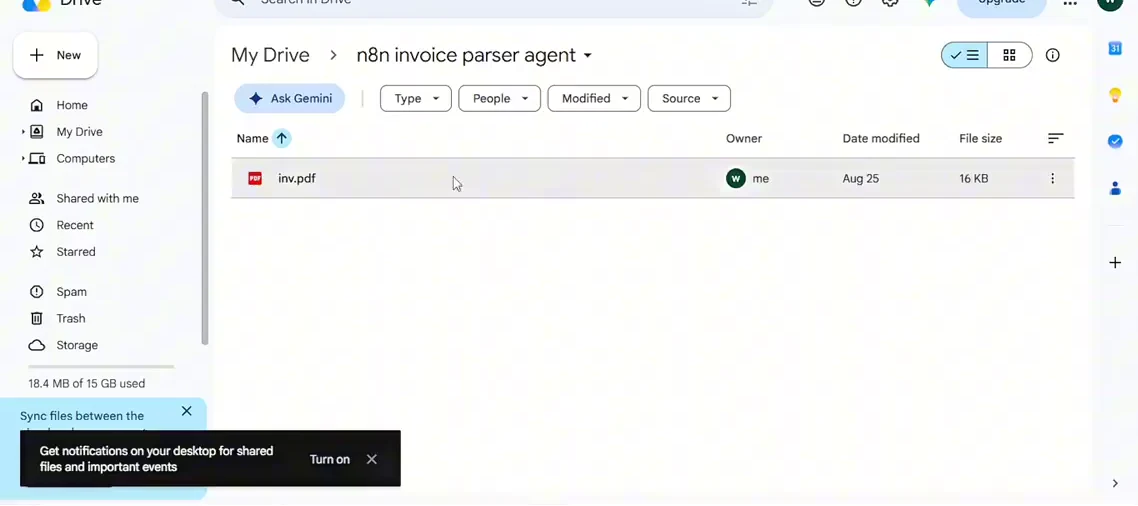
This is a recorded project demonstration. It does not establish a client engagement, production deployment, or measured business results.
View LinkedIn source